The memory layer for AI Coding.
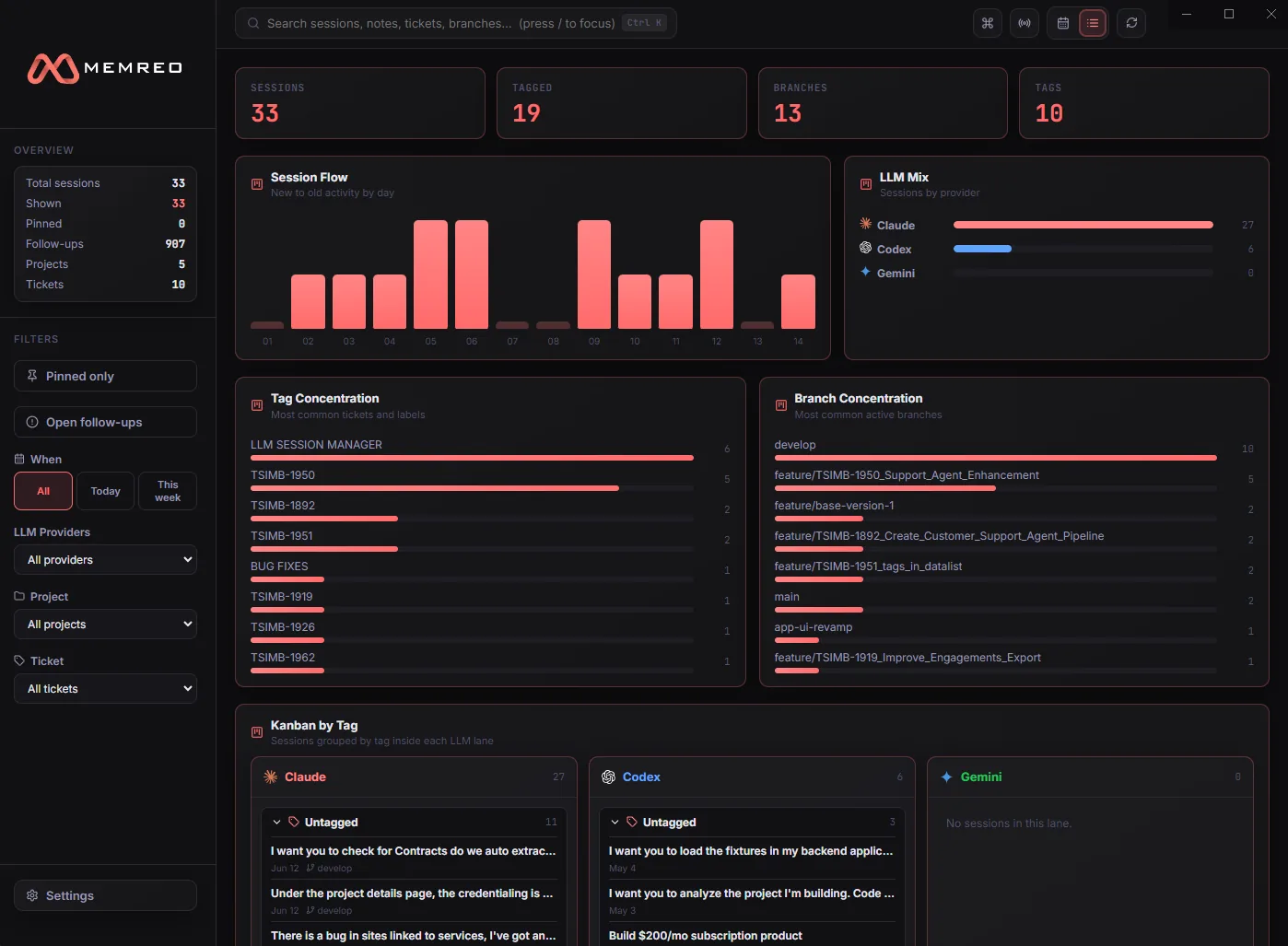
Every session you've run through Claude, Codex, and Gemini — found, grouped, searchable, and one click from resuming exactly where it stopped.
NEW Session vault, live transcripts & custom AI ActionsNot code-signed yet — Windows SmartScreen will show “Windows protected your PC”. Choose More info → Run anyway. Every release lists a SHA-256 checksum you can verify first.

See it in two minutes.
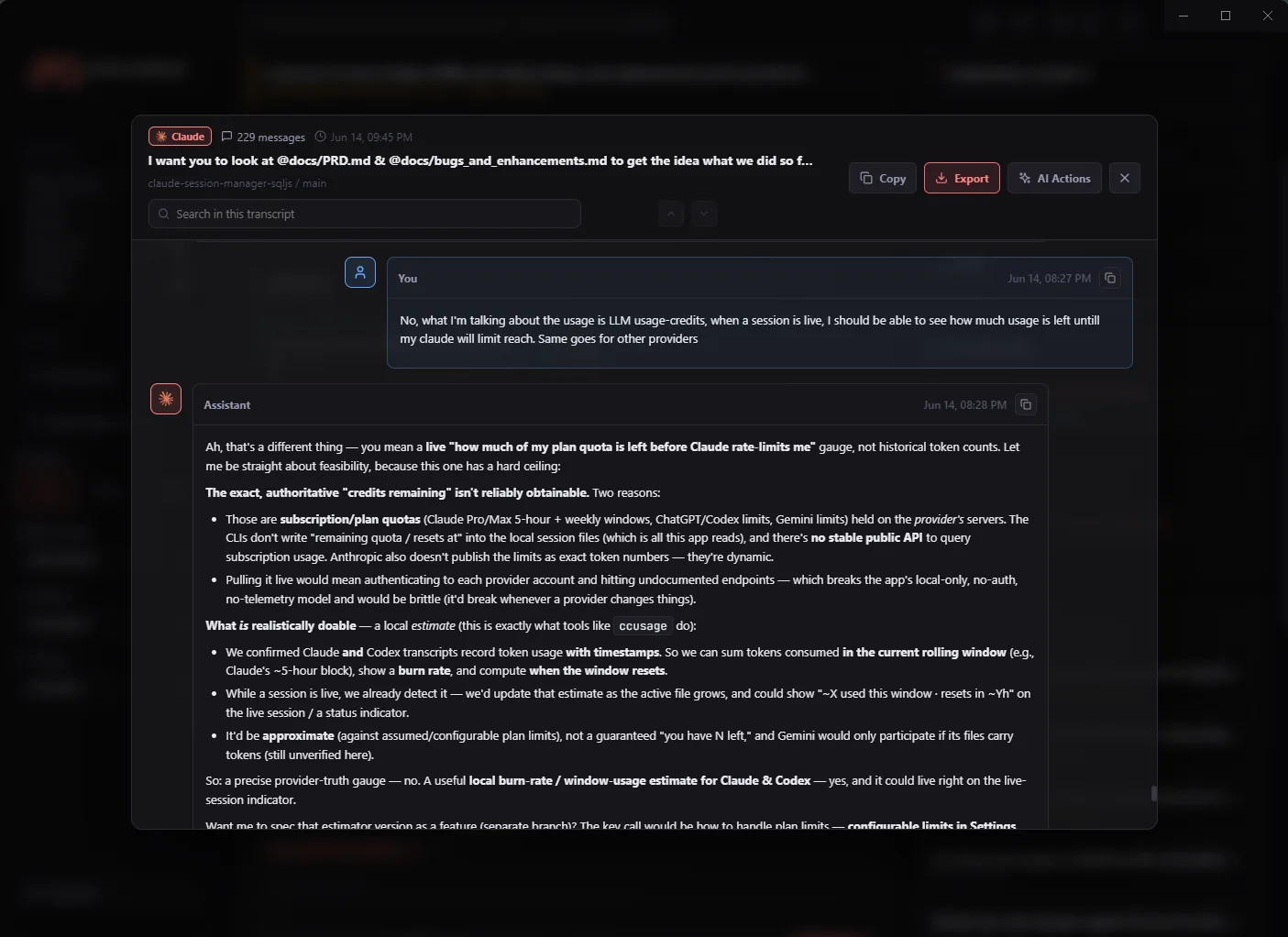
Every session found and grouped, a transcript you can search, and your next prompt running in a terminal without leaving the app.
2 min 14 s · no sound required — narrated, but everything is on screen.
Your transcripts never leave the machine.
Memreo reads the session files your CLI tools already write to disk and indexes them into a local database. There is no account, no sync, and the app sends no telemetry. If you wire up AI Actions, you choose the endpoint — and your API key is encrypted at rest with the OS keychain.
Tame the CLI Chaos.
Stop digging through obscure terminal histories. Memreo gives your AI coding sessions structure, searchability, and continuity.
Universal Search
Globally search transcripts, code snippets, and generated artifacts across all your local CLI tools. Never lose a generated function again.
Smart Grouping
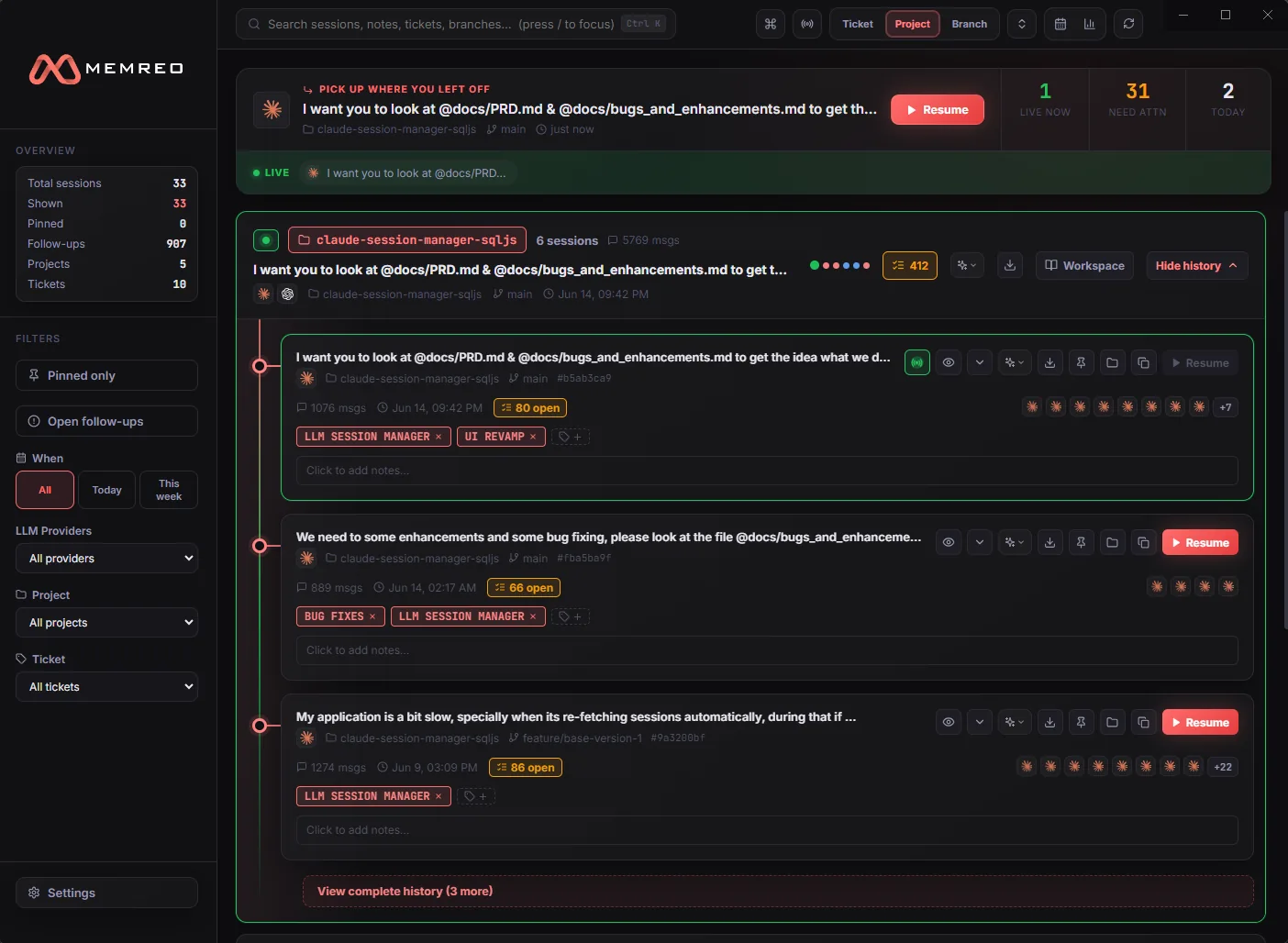
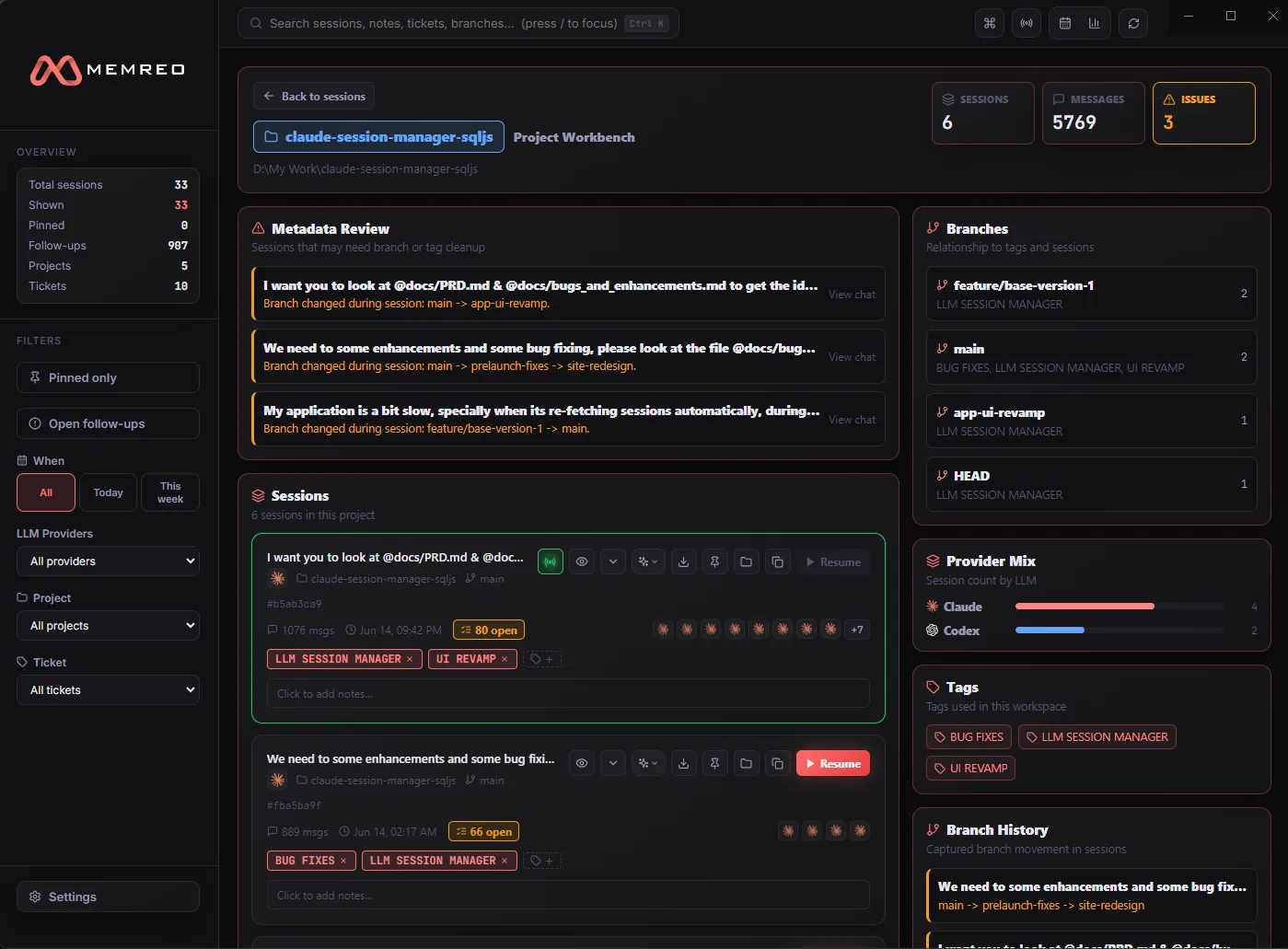
Sessions group themselves by ticket, project, or branch — tickets auto-detected from your branch names.
One-Click Resume
Instantly re-hydrate and resume any past session, restoring context.
AI Actions
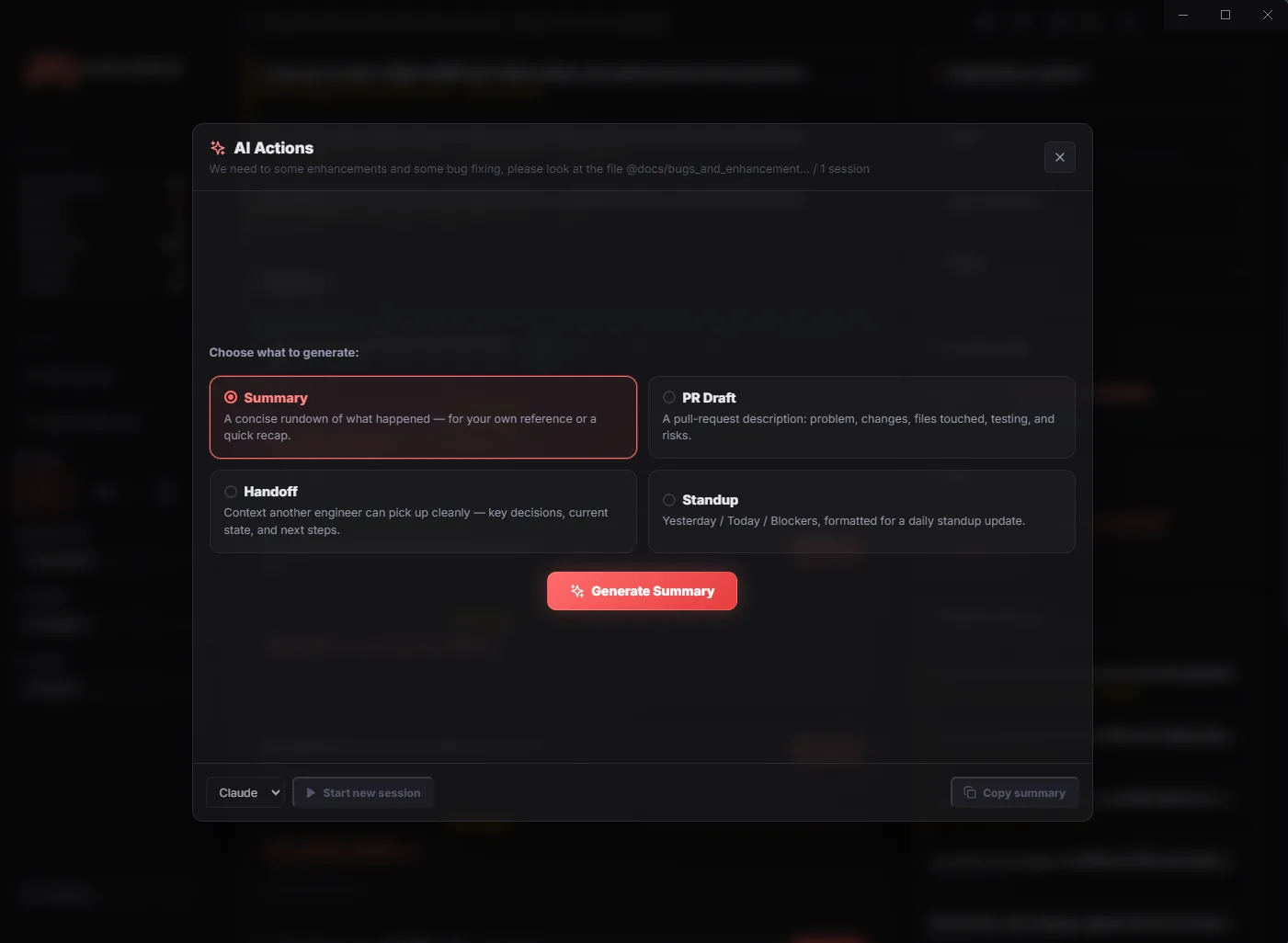
Turn a session — or a whole ticket — into a summary, a PR draft, a handoff note, or a standup update. Bring your own endpoint, or run it through the Claude CLI you already have installed.
One app, every CLI.
Memreo reads the session files your AI CLIs already write to disk. Nothing to configure, nothing to install alongside them — point it at a folder and your history is there.
- Claude CodeSessions, sub-agents, file changes, and one-click resume.
- OpenAI CodexFull transcripts and apply_patch diffs.
- Gemini CLIThe current .jsonl event log, plus legacy sessions.
- GitHub Copilot CLI PlannedReading Copilot's local session history alongside the rest.
- Cursor CLI ExploringAgent runs started from the terminal, grouped with everything else.
- Aider ExploringChat history and the commits each run produced.
Providers land in the order people actually run them. A new one is a parser and a directory — the grouping, search, AI Actions and resume all come for free.
The real thing, every view.
Not a mockup — the actual app, shot on a real machine.